- Industrial LCD display
-
Industrial Products
- DC Servo Drive
- AC Servo Drive
- other
- Heidelberg
- FANUC
- IFM
- Meter
- CCD
- Membrane Keypad
- Film
- YOKOGAWA Module
- Card
- ABB
- MITSUBISHI
- FANUC
- KEYENCE
- BECKHOFF
- Honeywell
- HOLLYSYS
- FUJI servo drives
- HP
- solenoid valve
- thermostat
- Siemens adapter
- color oscilloscope
- Fujitsu connector
- CHELIC
- SMC
- CISCO Module
- INTEL
- Key board
- FAIRCHILD
- Motherboard
- Board
- Bearing
- other
- Control Panel
- Contactor
- Circuit
- OMRON
- Relay
- Controller
- Photoelectric Switch
- Photoelectric Sensor
- Original
- Fan
- Motor Driver
- Limit Switch
- Amplifier
- power supply
- LENZE
- Cable
- Encoder
- Sensor
- Transformer
- Fiber Optic Sensor
- Protection Relay
- Temperature Controller
- Proximity Switch
- Switch Sensor
- Siemens
- Industrial board
- HMI Touch Glass
-
HMI Full Machine Whole unit
- OMRON HMI Touch Panel
- Siemens HMI Touch Panel
- Mitsubishi HMI Touch Panel
- Allen-Bradley automation HMI Touch Panel
- DELTA HMI Touch Panel
- EVIEW DELTA HMI Touch Panel
- KINCO DELTA HMI Touch Panel
- HITECH HMI Touch Panel
- WEINTECK HMI Touch Panel
- TECVIEW HMI Touch Panel
- WEINVIEW HMI Touch Panel
- PRO-FACE HMI Touch Panel
- SIMATIC HMI Touch Panel
- AMPIRE HMI Touch Panel
- HEIDELBERG HMI Touch Panel
- PANASONIC HMI Touch Panel
- PATLITE HMI Touch Panel
- KYOCERA HMI Touch Panel
- KEYENCE HMI Touch Panel
- WEINVIEW HMI Touch Panel
- HITECH HMI Touch Panel
- FUJI HMI Touch Panel
- HAKKO HMI Touch Panel
- SCHNEIDER HMI Touch Panel
- SAMKOON touch panel
- other
- Module
- lcd inverter
- Membrane Keypad Switch
- Winni Touch Screens
- Frequency Inverter
- Servo Motor
- PLC


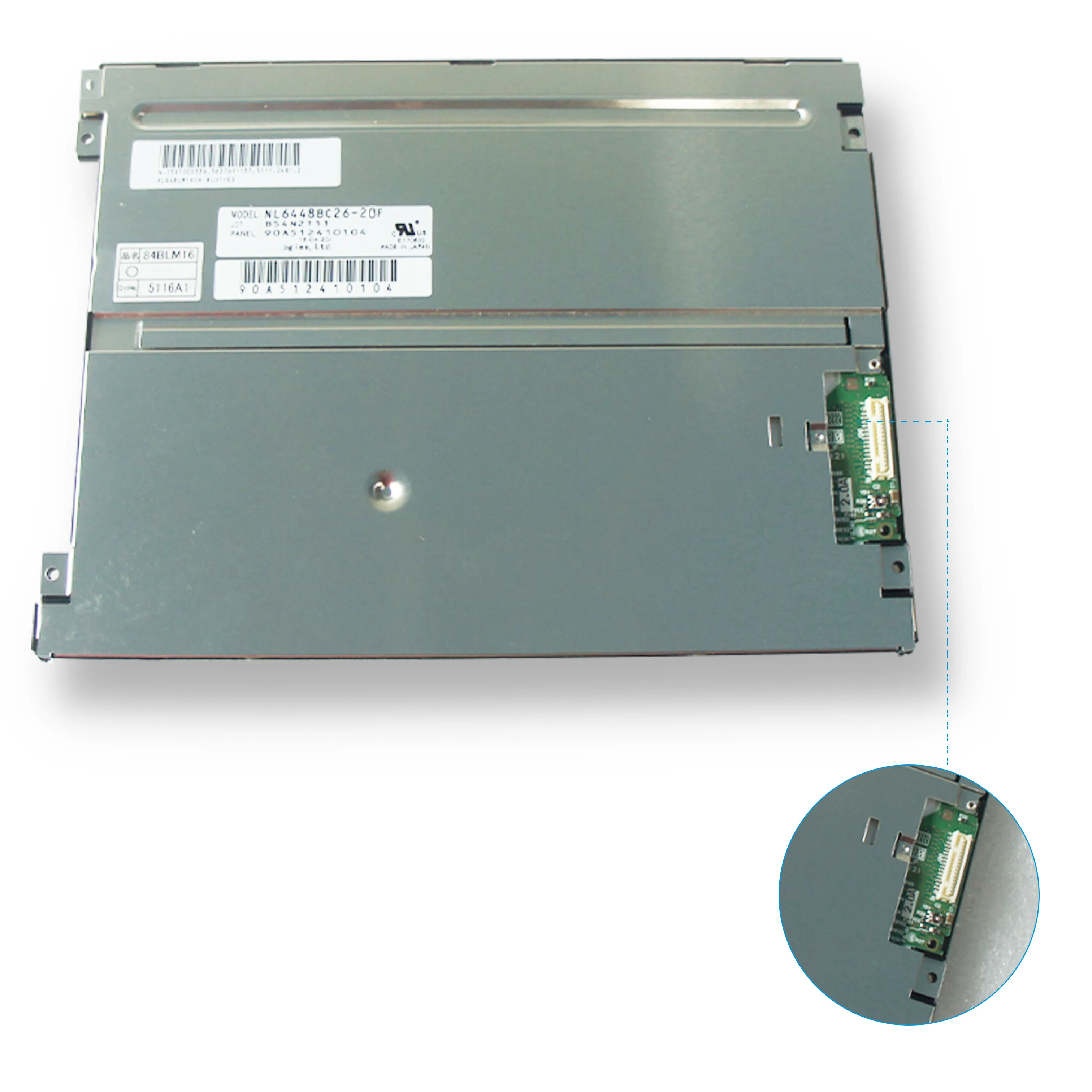


G140XTN01.0 AUO 14 inch TFT-LCD screen 1366*768 Display
In the intricate ecosystem of electronic components, certain parts become quietly ubiquitous, forming the visual backbone of countless devices. The G140XTN01.0, a 14-inch TFT-LCD panel manufactured by AU Optronics (AUO), stands as a prime example of such a workhorse component. With its 1366 x 768 resolution (HD+), this display module carved out a significant niche in the laptop and industrial monitor markets of its era. While newer technologies like Full HD and 4K now dominate headlines, understanding this specific panel is crucial for technicians, procurement specialists, and DIY enthusiasts dealing with repair, replacement, or legacy system integration.
This article delves deep into the G140XTN01.0, moving beyond basic specifications to explore its technical architecture, performance characteristics, and practical applications. We will dissect its strengths and limitations, provide clear compatibility guidance, and offer actionable advice for sourcing and installation. Our goal is to transform this alphanumeric part number from a mere identifier into a comprehensive knowledge resource, empowering you to make informed decisions whether you're reviving an old laptop or specifying components for a specialized project.
Technical Architecture and Core Specifications
The G140XTN01.0 is a Twisted Nematic (TN) film transistor liquid crystal display. Its fundamental architecture relies on liquid crystals that twist and untwist to control light passage, a mature and cost-effective technology. The active area measures precisely 309.6mm (horizontal) by 174.2mm (vertical), yielding a 14-inch diagonal. The native resolution of 1366 x 768 pixels results in a pixel pitch of approximately 0.2265mm x 0.2265mm, defining its sharpness limit.
It employs a standard RGB stripe arrangement and typically uses a CCFL (Cold Cathode Fluorescent Lamp) backlighting system, which was the industry norm before the widespread adoption of LEDs. The interface is LVDS (Low-Voltage Differential Signaling), a common standard for transmitting high-speed video data within devices. Key power specifications usually operate at 3.3V for the logic board and 20-30V for the inverter driving the CCFL backlight. Understanding these core specs is the first step in diagnosing compatibility and performance expectations.


Performance Analysis: Brightness, Contrast, and Viewing Angles
Performance-wise, the G140XTN01.0 reflects the characteristics of its TN generation. Typical brightness ratings range from 200 to 250 nits (cd/m²), sufficient for indoor use but potentially challenging in bright environments. The contrast ratio, often around 400:1 to 500:1, is adequate for basic office and textual work but falls short of delivering deep blacks and vibrant dynamic range required for premium media consumption.
The most pronounced limitation, inherent to TN technology of this vintage, is the restricted viewing angles. Specifications often cite 80/80/80/80 (Left/Right/Up/Down) at a contrast ratio of 10:1. In practice, this means color shifting and contrast inversion occur at relatively modest angles off-center. This makes the panel less ideal for collaborative viewing or tasks requiring consistent color from different positions, but perfectly functional for a single user directly facing the screen.
Typical Applications and Market Context
This panel found its home in a vast array of budget to mid-range laptops from the late 2000s to early 2010s. It was the go-to display for countless consumer and business notebooks from major OEMs, powering machines used for word processing, web browsing, and basic multimedia. Its reliability and low cost made it a manufacturer's favorite for hitting specific price points.
Beyond consumer laptops, the G140XTN01.0 saw significant use in industrial and embedded systems. Its standardized form factor, reliable LVDS interface, and mature supply chain made it suitable for point-of-sale systems, diagnostic equipment, factory control panels, and other applications where high resolution was less critical than durability, availability, and cost. In these contexts, its specifications were often more than adequate for the specialized software interfaces they displayed.
Compatibility and Pinout Considerations
Identifying a compatible replacement requires more than just matching the size and resolution. The pinout configuration of the LVDS interface is critical. The G140XTN01.0 typically uses a 30-pin or 40-pin single-channel LVDS connector, but the specific arrangement of power, ground, data pairs, and backlight control pins must match the host device's cable. Using a panel with an incompatible pinout can lead to no display, backlight failure, or potential damage.
Furthermore, compatibility extends to the backlight system. Since it uses CCFL technology, it requires a compatible inverter module to provide the high-voltage AC power. The inverter's connector type, pin count, and electrical characteristics must align. When sourcing a replacement, confirming the exact part number from the original panel's label and cross-referencing pinout diagrams is an essential, non-negotiable step.
Sourcing Reliable Replacements and Avoiding Pitfalls
As a discontinued panel, sourcing the G140XTN01.0 now involves the aftermarket. Options include refurbished/original pulls from donor machines, compatible alternatives from other manufacturers (like Innolux or LG), and "A-" grade new old stock. When purchasing, be wary of misleading listings that only match physical size while ignoring interface, resolution, or pinout.
Key due diligence includes: requesting clear photos of the label and connector, verifying the exact interface type (e.g., 30-pin LVDS), and asking the seller to confirm the panel's functionality. Reputable suppliers specializing in LCD panels are generally safer than generic marketplaces. For critical industrial applications, considering a modern LED-backlit equivalent with an adapter board might offer better long-term reliability, albeit at a higher initial cost and complexity.
Installation Guide and Best Practices
Successful installation hinges on meticulous handling and connection. Always disconnect all power sources, including the battery for laptops, before beginning. Use proper tools to carefully remove the bezel. The panel itself is fragile; avoid pressure on the screen and handle it by the edges. Ground yourself to prevent electrostatic discharge damage to the sensitive electronics.
Gently disconnect the old panel's LVDS cable and backlight connector(s). Align the new G140XTN01.0 precisely, reconnect the cables ensuring they are fully seated and locked, and reassemble the bezel. Before final assembly, perform a basic power-on test to confirm display and backlight operation. Avoid forcing connectors, as bent pins are a common cause of failure. Taking these cautious steps maximizes the chance of a successful, damage-free repair or upgrade.
FAQs: G140XTN01.0 Screen Common Questions
Conclusion
The AUO G140XTN01.0 is far more than a relic; it is a testament to a specific era of computing where balance between cost, performance, and reliability defined mass-market success. Its technical profile—the 1366x768 TN matrix with CCFL backlighting—perfectly met the needs of its time, embedding itself in millions of devices. For professionals today, a deep understanding of its specifications, performance nuances, and compatibility intricacies is invaluable for effective repair, maintenance, and legacy system support.
While modern displays have surpassed it in virtually every metric, the enduring presence of this panel in circulation underscores the long lifecycle of embedded technology. Whether you are bringing an old laptop back to life or maintaining critical industrial hardware, approaching the G140XTN01.0 with informed respect for its details ensures successful outcomes. It serves as a powerful case study in how foundational components, though often overlooked, are essential pillars of the digital world's infrastructure.